EXCEL – ESSENCIAL

$269.00

Description

EXCEL – ESSENCIAL

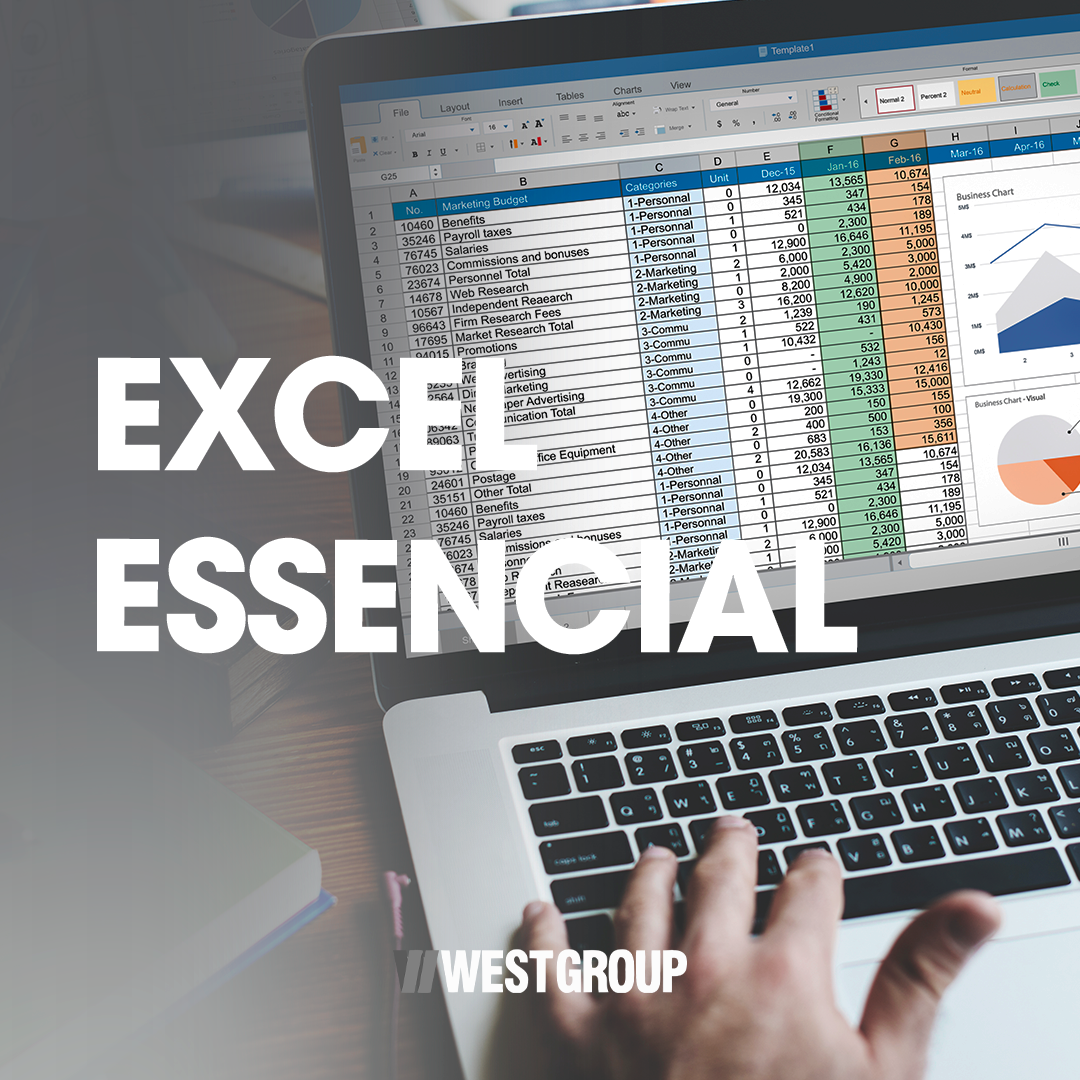
The Excel Essential course aims to provide participants with fundamental knowledge of spreadsheet usage, enabling them to work with data, formulas, images, and charts in a practical and efficient manner.

During the training, students will learn how to insert and organize data, apply formatting, and utilize formulas and functions, as well as create charts for information analysis and visualization. The course also covers page setup and printing concepts, which are essential for daily professional tasks.

Recommended for individuals and companies across all sectors, this course contributes to increased productivity, better organization, and data-driven decision-making.

Content

  • Chapter 1: Welcome to West’s Excel.
  • Chapter 2: Data entry and illustrations in Excel Part 1
  • Chapter 3: Data entry and illustrations in Excel Part 2
  • Chapter 4: Page setup and printing Part 1
  • Chapter 5: Page setup and printing Part 2
  • Chapter 6: Formulas and functions
  • Chapter 7: Logical Functions
  • Chapter 8: Other functions
  • Chapter 9: Charts
  • Chapter 10: Organizing and formatting data

FAQ

1. What is the objective of the Excel Essential course?

To teach the basic concepts of Excel, including spreadsheet usage, formulas, charts, and data organization.

2. Who is this course for?

For any individual or company that uses Excel in their daily routine.

3. Do I need prior knowledge?

No. The course is aimed at beginners.

4. What will I learn about spreadsheets?

You will learn how to insert, organize, and format data.

5. Does the course cover formulas and functions?

Yes. It includes basic formulas, logical functions, and date and time functions.

6. Will I learn how to create charts?

Yes. The course teaches the creation of column charts.

7. What is conditional formatting and is it taught?

Yes. You will learn how to automatically highlight information based on specific criteria.

8. Does the course teach spreadsheet printing?

Yes. It includes page configuration, headers, and footers.

9. Is this course suitable for companies?

Yes. It is recommended for employees across all sectors.

10. Does the course have an expiration date?

No. The course does not have an expiration date.
Sector / Area of Knowledge

Computing and IT / Office Suite / Excel / Data Analysis / Administrative Routines

$269.00

*Exclusive price for individuals

The course price may vary depending on the selected location.

Duration: 16h
Validity: No expiration date

Exclusive price for individuals.

For businesses, please contact us via email: west@westgroup.global

Courses that may interest you

Contact Us