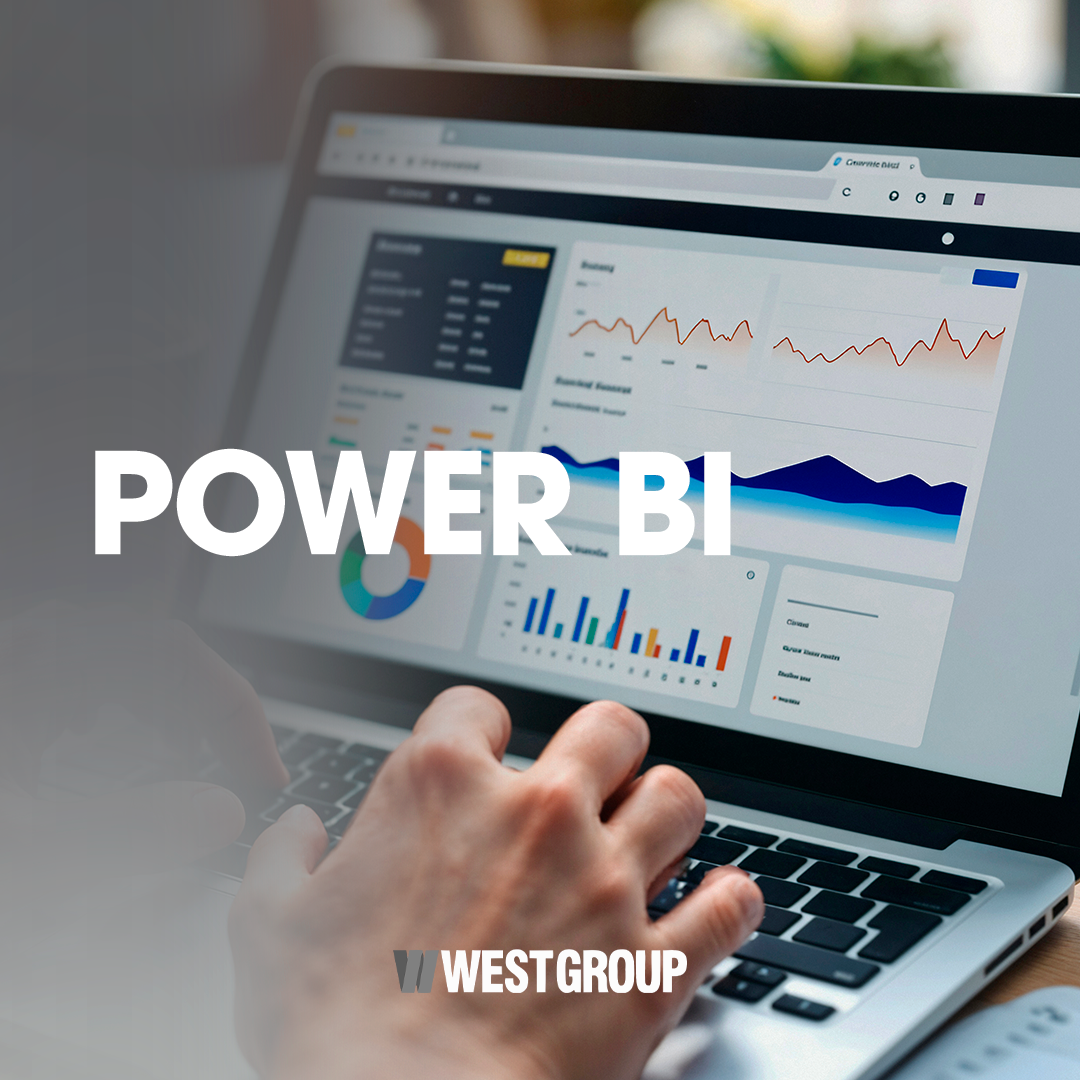
POWER BI – DESKTOP

$269.00

Description

POWER BI – DESKTOP

The Power BI Desktop course aims to empower students to use the tool for data analysis, modeling, and visualization, transforming information into interactive and strategic reports.

During the training, participants will learn how to import data from Excel, perform data cleaning using queries, model data by creating relationships between tables, and develop simple calculations. Additionally, they will explore different visualization formats, such as charts and tables, apply filters and slicers, and build organized and intuitive dashboards.

The course also introduces the basics of DAX (Data Analysis Expressions) formulas, allowing for the creation of custom measures and calculations, expanding the analytical capacity of reports.

Recommended for professionals, teams, and companies wishing to optimize the construction and presentation of data, Power BI Desktop stands out as an essential tool for data-driven decision-making.

Content

  • Introduction to modern analysis using Excel and Power BI
  • Automating data cleaning with Power Query
  • Introduction to data modeling foundations
  • Transitioning from Excel to Power BI
  • Creating interactive data experiences with Power BI Desktop

FAQ

1. What is the objective of the Power BI Desktop course?

To empower the student to import, process, model, and visualize data, creating interactive reports and dashboards.

2. Who is this course for?

For any individual, team, or company that wishes to improve the construction and visualization of reports.

3. Do I need prior knowledge?

Advanced knowledge is not necessary, as the course covers everything from introductory concepts.

4. What will I learn about data?

You will learn how to import data from Excel, process it, and organize it for analysis.

5. Does the course teach data modeling?

Yes. It includes creating relationships between tables and data structuring.

6. Will I learn how to create charts and dashboards?

Yes. The course covers various forms of visualization and the construction of interactive panels.

7. What is Power Query and is it covered?

Yes. Power Query is used to automate data cleaning and transformation.

8. Does the course teach DAX formulas?

Yes. Basic concepts for creating custom calculations and measures are presented.

9. Will I learn how to apply filters and slicers?

Yes. The course teaches how to interact with data using filters and slicers.

10. Does the course have an expiration date?

No. The course does not have an expiration date.

Sector / Area of Knowledge

Data Analysis | Business Intelligence (BI) | Information Technology | Data Management |

$269.00

*Exclusive price for individuals

The course price may vary depending on the selected location.

Duration: 20h
Validity: No expiration date

Exclusive price for individuals.

For businesses, please contact us via email: west@westgroup.global

Courses that may interest you

Contact Us