1. Do I need to already know IT to take the course?
No. The course starts from scratch and teaches everything from the interface to basic functions step by step.
2. What will I learn first?
You start by getting to know the Excel environment, creating spreadsheets, and saving files, before moving on to formulas.
3. Will I learn how to perform calculations automatically in the spreadsheet?
Yes. You will learn operations such as sum, average, multiplication, and other essential formulas.
4. Does the course teach the most commonly used formulas at work?
Yes, including VLOOKUP (PROCV), IF (SE), SUMIF (SOMASE), and COUNTIF (CONT.SE), which are widely used in administrative routines.
5. Will I learn how to create charts?
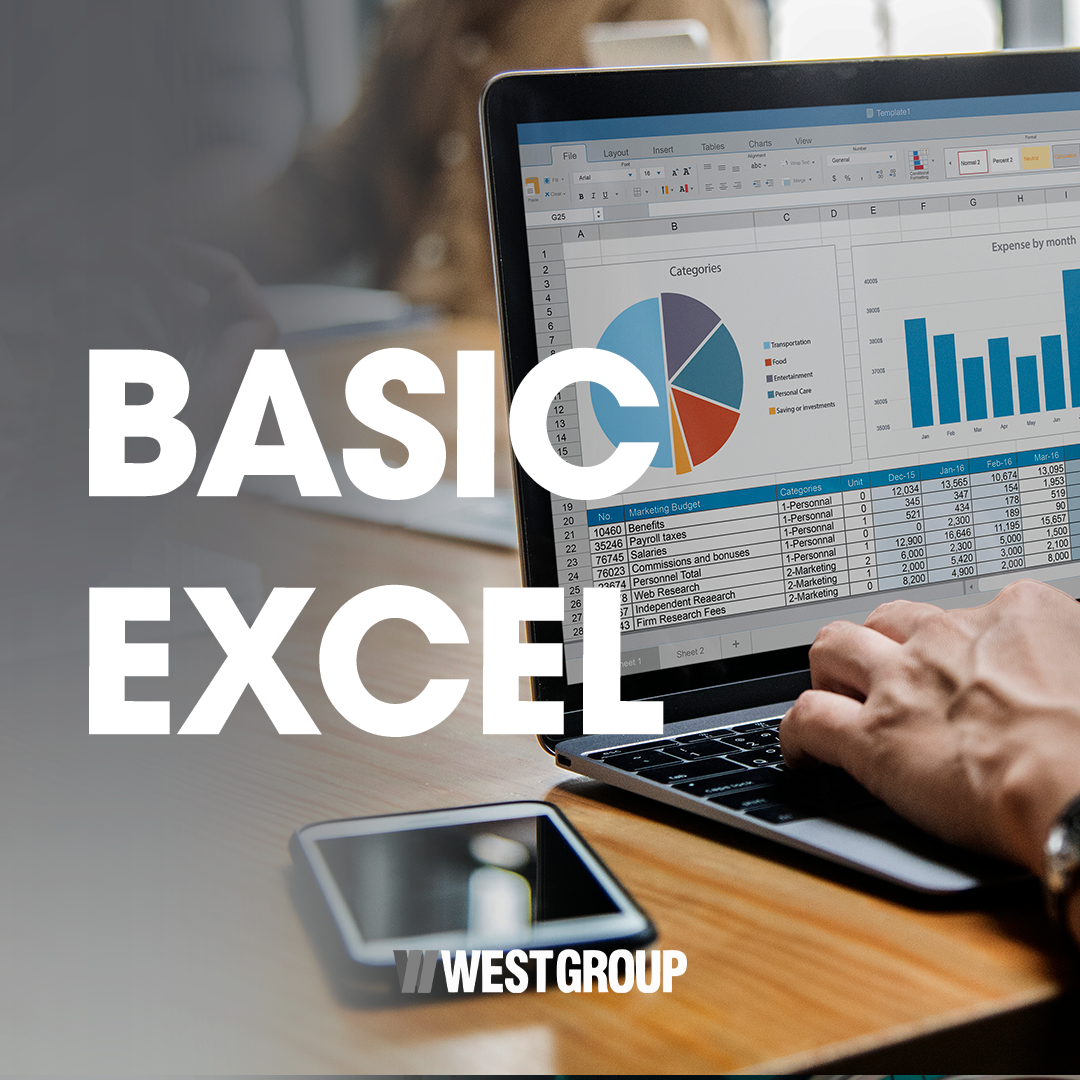
Yes. The course teaches the creation and formatting of charts for data presentation.
6. Does this course help in the job market?
Yes. Excel is one of the most required tools in practically all professional fields.
7. Is it just theory or is there practice?
The learning is practical, with exercises to apply the content immediately.
8. Can I take it even if I have never used spreadsheets?
Yes, you can. The content was developed for beginners.
9. Does the course have an expiration date?
It has no expiration date — the knowledge remains permanently useful.
10. After the course, will I be able to organize data on my own?
Yes. You will have a sufficient foundation to set up spreadsheets, organize information, and perform basic data analysis independently.